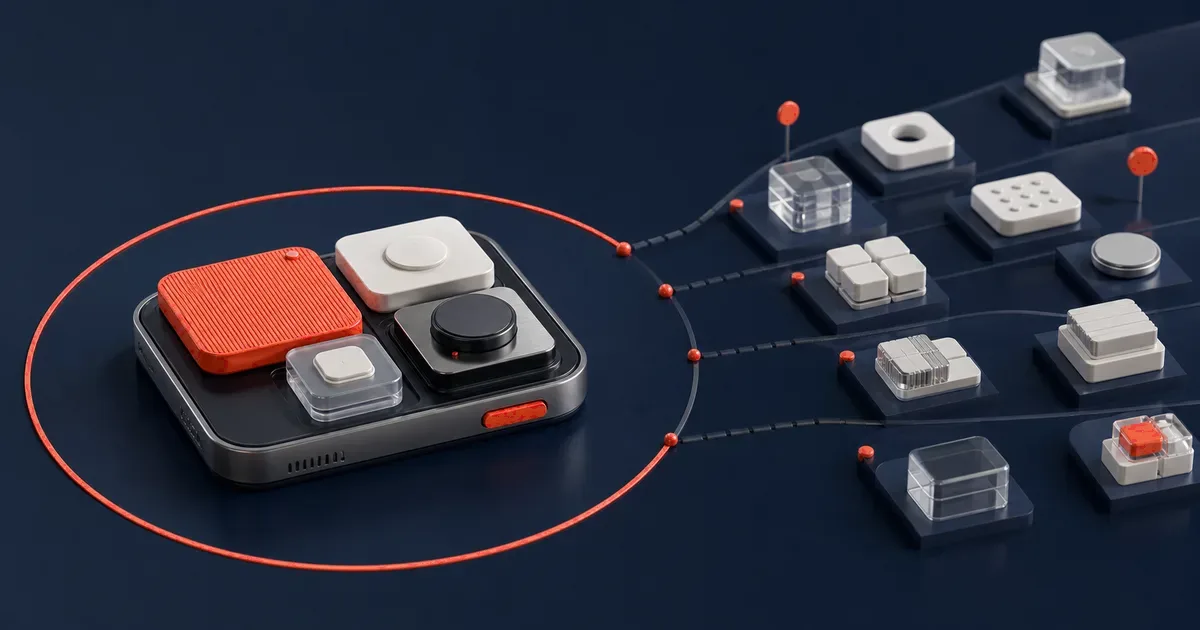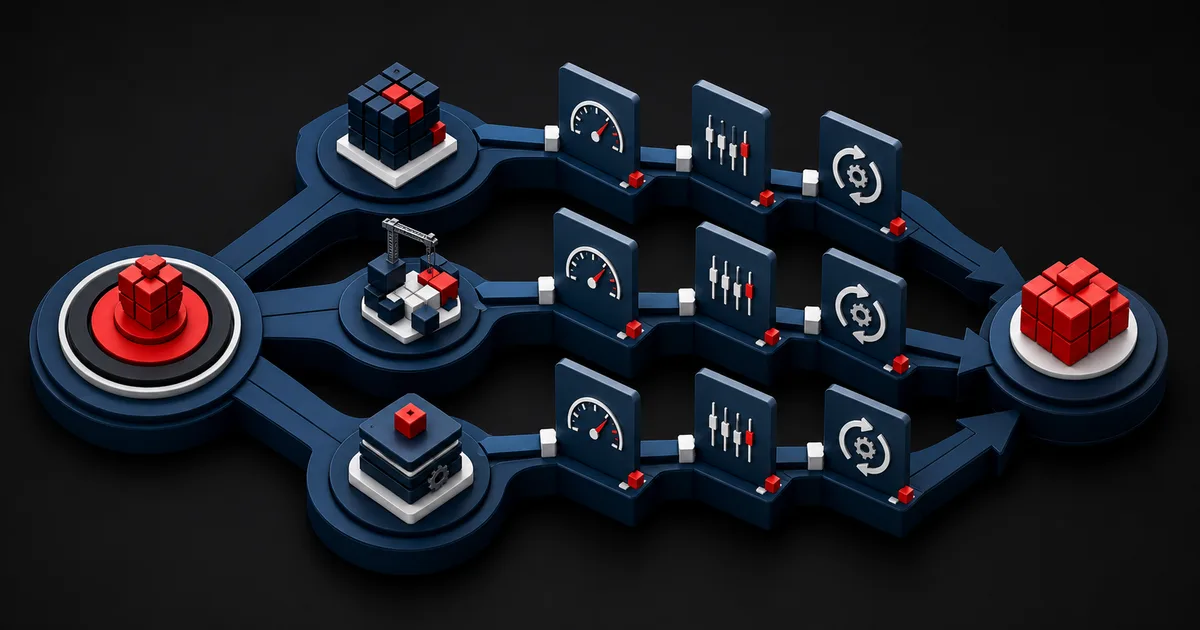
Mobile analytics teams often get stuck between two extremes: a handful of generic screen-view events that answer no product question, or a mountain of data that records every tap and that nobody trusts. A good event taxonomy avoids both. It measures which goal the user is moving toward, where they get blocked and what outcome the product produces, and it does so without treating personal data collection as the default choice. The measurement plan starts with product decisions, well before the SDK install.
An event name looks like a technical detail, but it is the shared language of the organization. If iOS sends `checkout_completed`, Android sends `purchase_done` and the warehouse stores `order_success`, one behavior turns into three separate realities. The meaning of an event, its trigger moment, its parameters, its owner, its basis for consent and its quality test all belong in a single dictionary. That is what lets a product manager, a developer, an analyst and a privacy lead argue about the same question with the same data.
1. Start with decision questions, not screens
Begin by writing down the decisions your team will make this quarter. Which core value are new users failing to reach? Does search or category browsing work better? Does the permission screen affect task completion? Which error stops the payment flow? If no decision hangs on a question, question the priority of measuring it. Analytics is a product management tool, not an archive of curiosities.
For every question, define the behavior chain: the starting condition, the action that signals intent, the success outcome and an acceptable duration. An app launch is not a goal; a confirmed booking or a first file saved offline can be. Screen views supply context, but they have to be tied to the event that represents the real value.
Finally, add a counterbalancing metric. Winning more notification permissions looks good while uninstalls or complaints climb. A shorter checkout can multiply wrong orders. Always read a speed metric together with errors, cancellations and support signals.
2. Design the event dictionary around verb, object and context
Keep the naming scheme short, consistent and independent of any technology. A past-tense verb-object structure such as `product_viewed`, `search_submitted` or `payment_failed` states that something happened. Turning a screen title or button label directly into an event name destroys the analytical meaning as soon as the interface changes. Pick one language and use the same dictionary on every platform. Differences in capitalization or in singular and plural must never create a new event.
Parameters should describe the event, not carry surplus detail that re-identifies the user. For `payment_failed`, an error class, a payment method category and a flow version are useful; full card data, a free-text error message or personal information is not. Free-text fields regularly carry sensitive data nobody expected. Constrain the allowed values in the dictionary.
Every entry should carry a description, a trigger rule, required parameters, an example, the platform, an owner, the first release, a retention class and a test ID. Keep a release note for every change. Silently altering the meaning of an existing event breaks the time series.
| Event | Exact trigger | Required parameter | Must not be collected |
|---|---|---|---|
| onboarding_completed | Final required step saved | flow_version | Name, email, free text |
| search_submitted | Search request sent | result_count_bucket | Raw sensitive query |
| item_saved | Local save completed successfully | item_type, offline_state | Document contents |
| payment_failed | Transaction returned a failure response | error_category, flow_version | Card or bank data |
| permission_responded | System response returned | permission_type, status | Device fingerprint |
3. Draw the privacy boundary before the SDK
Tie your data inventory to the event dictionary. For every field, document the purpose, the necessity, the retention period, the teams with access, the services it is sent to and the deletion method. "We might need it later" is not a measurement purpose. Data you never collect cannot leak, cannot land in the wrong segment and creates no maintenance burden. If aggregated or on-device computation answers the product question, do not opt for collecting finer identity data.
Apple's official App Tracking Transparency documentation states that permission has to be requested through the ATT framework when app or device data is used to track users across apps and websites owned by other companies. Apple also makes clear that the developer is responsible for the code and the data practices of third-party SDKs. Do not treat analytics and advertising tracking as the same concept. Inspect the actual data flow and purpose of the SDK you use at a technical level.Apple Developer — User Privacy and Data Use (opens in a new tab)
A platform permission is not a blanket consent that replaces applicable data protection obligations. Legal roles, lawful bases, disclosures and rights requests vary by country and by processing purpose, so confirm them with privacy and legal specialists. In the design itself, keep the paths for refusing and for changing that answer later fully functional.
4. Hypothetical scenario: simplifying events in a delivery app
This scenario is hypothetical and does not describe a real product outcome. In a delivery app, the iOS team sends 140 custom events and the Android team sends 95. The same address-entry flow is measured under different names on each platform. Some events carry the full error message, others part of the address the user typed. The product team cannot explain the onboarding drop-off because the rules between screen open and success are inconsistent.
The team narrows the decision question first: why can users not validate their delivery address? A shared dictionary defines `address_started`, `address_validation_failed` and `address_saved`. The error parameter becomes a limited set of categories such as `network`, `unsupported_area` and `missing_field`, and the address and free text are removed. Flow version and online state are added. Both platforms run the same test cases.
The new dictionary is not mixed straight into the old dashboards. During a transition period, parallel validation runs under a version tag, and the legacy events are then retired on a planned schedule. The decision does not rest on conversion rate alone: validation latency, technical errors, support tickets and refused consent are reviewed together. Simplifying a taxonomy guarantees no success. The real gain is that everyone can trust what a metric means again.
5. Govern implementation with code review and a data quality gate
The official Firebase Analytics events guide explains that custom events can be logged alongside automatically collected and recommended events, that event names are case sensitive, and that recommended events with their defined parameters make better use of reporting features. Platform limits can change between releases, so check the current documentation. A generous name quota is not an invitation to produce hundreds of events nobody needs.Firebase Documentation — Log events (opens in a new tab)
Do not scatter analytics calls across your screen code. A type-safe event layer can validate allowed names and parameters in one central place. Reject off-schema events in development builds, and use error logging and a sampling policy in production. When iOS and Android generate code or test fixtures from the same dictionary, drift goes down.
Quality testing happens on three levels: unit tests cover the trigger rule, integration tests cover the payload and end-to-end tests cover the real user flow. Arriving in the debug view is not enough. In the warehouse you also have to check the type, the timestamp, duplicates, the consent state and the session relationship.
- Run event names through schema validation.
- Write automated tests for required and forbidden parameters.
- Check that a single user action does not produce duplicate events.
- Inspect SDK and network behavior on a real device when permission is denied.
- Set alerts for data volume and empty parameters after each release.
6. An eight-week taxonomy and governance plan
Spend the first two weeks inventorying the SDKs, events, parameters, dashboards and downstream recipients you already have. In week three, choose the most important product decisions and the core user journeys. In week four, agree on the standard for naming, data classes and event ownership. In weeks five and six, implement one critical flow on both platforms and set up the automated tests. Use the last two weeks for warehouse validation, legacy event migration and access control.
Governance does not have to be a heavyweight board. A proposal for a new event can pass through a short template covering the decision question, the difference from existing events, the parameter requirements and a privacy review. A weekly change log and a monthly review of unused events keep the dictionary alive.
- The product decision each event answers is clear.
- The trigger moment and success condition are written in testable form.
- Parameters use a controlled value dictionary.
- No personal or sensitive free text is sent.
- SDK data flows and third-party recipients are documented.
- iOS and Android use the same dictionary version.
- Legacy events have a migration path and a shutdown date.
7. Limits and failure modes: measured behavior is not intent
Event data can show what happened. On its own it rarely explains why. When someone abandons a search, the cause may be result quality, network latency, a distraction or a need that simply changed. Combine analytics with usability tests, interviews, support records and performance data. Do not present correlation as causation.
Identity and attribution will have gaps. People switch devices, refuse permission, delete the app, or generate offline events that arrive late. The same person can look like several instances, and different people on a shared device can look like one. Show coverage, latency and exclusion rules on the dashboard. When data quality drops, report a range and its uncertainty rather than a precise rate.
The last failure mode is a taxonomy that stops being a living product and becomes an untouchable dictionary. Open a new version whenever a change would alter meaning, remove the events nobody uses and audit critical business outcomes on a regular schedule. Better decisions come from reliable, purpose-limited data, not from more data.
Conclusion
A mobile event taxonomy is not a list of SDK settings. It is the product's shared decision language. Start from the question, define the event precisely, keep parameters to a minimum, verify the platform and legal boundaries, then test the code and the data pipeline together. When the scope of measurement stays transparent, the team protects user trust and holds a far sturdier debate about which product change actually mattered.
Frequently Asked Questions
Sources
- Apple Developer — User Privacy and Data Use (opens in a new tab)
ATT scope, responsibility for third-party SDKs and user permission
- Firebase Documentation — Log events (opens in a new tab)
Official implementation guide for automatically collected, recommended and custom analytics events
Turn your pile of events into a reliable decision system
Let's build the event taxonomy that brings your product questions, privacy boundaries and cross-platform test plan together.
Design my analytics taxonomy