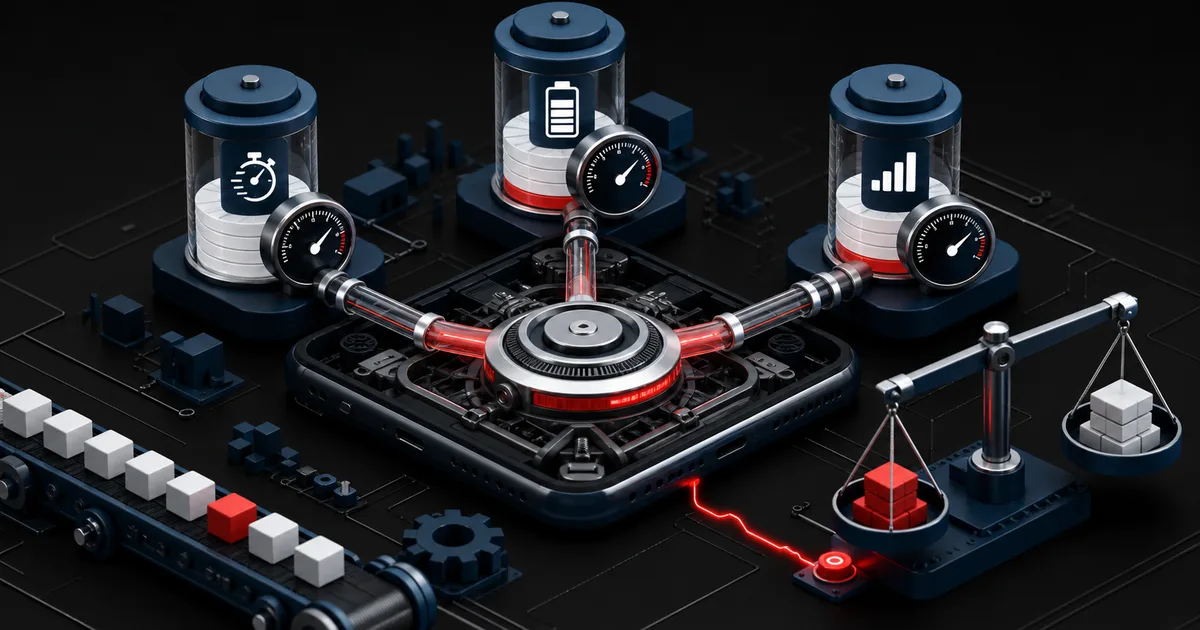
A mobile app can launch instantly on a lab device and still stutter on the aging phone a real customer carries, drain the battery in the background, or burn through a limited data plan without anyone noticing. Performance is more than a stopwatch reading. It is a promise: answer every touch, finish the job that matters, keep the device cool, and respect what the connection costs. Without measurable limits, each release fixes one metric and breaks another resource.
Android's official guidance explains that background mobile network connections can wake both the processor and the radio, and that repeated connections drive battery use up. Apple also treats energy efficiency as part of the user experience and covers how to defer or coalesce network work when the timing allows. Speed, battery, and data are not three separate optimization projects. They are dimensions of the same product decision, and each one moves the others.Android Developers — Excessive Mobile Network Usage in Background (opens in a new tab)Apple Developer — Energy Efficiency Guide for iOS Apps (opens in a new tab)
1. Turn the performance budget into a product contract
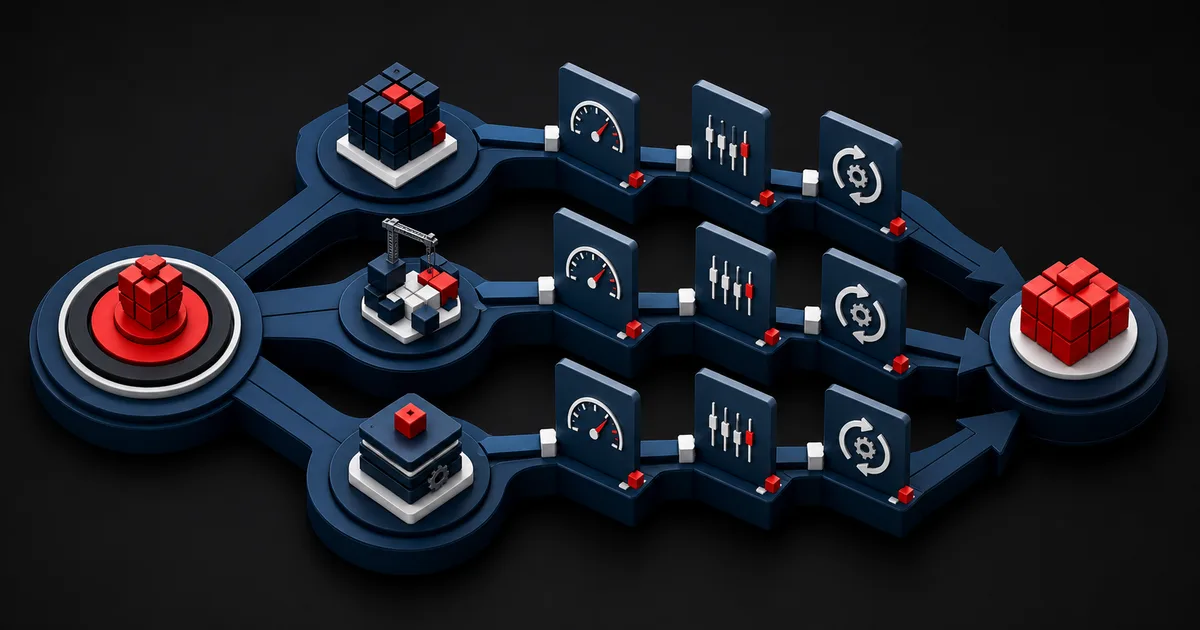
A performance budget is the set of limits you agree on in advance to define an acceptable experience. Writing down a bundle size or a launch time is not enough. Pick the critical journeys: opening the app, loading a list, searching, submitting a form, paying, syncing. For each journey, define waiting time, error behavior, data transfer, and energy cost together. A solution that looks fast on screen but runs expensively in the background does not count as a win.
Do not build the budget around a single flagship phone. Create a test matrix that represents the lowest supported device class, the operating system range, low power mode, cellular connections, and conditions such as full storage. Averages hide the users you most need to see, so track the distribution and the worst case as well. The latency an urgent flow can tolerate is not the latency an archive sync can tolerate.
Give every budget an owner and a rule for what happens when it is breached. Stopping a release is not always the right answer, but the team has to record the user impact, the temporary exception, and the date that exception closes. A budget nobody can see turns into a wish over time.
2. Build a balanced metric portfolio instead of a single score
Launch time matters, but nobody calls an app fast if it freezes once it is open. Bring startup, interaction response, long frames, memory pressure, crashes, network volume, and background work together per journey. Lab measurement reproduces a change under controlled conditions; field telemetry shows the real spread of devices, networks, and usage. Neither one replaces the other.
Review metrics across dimensions that carry meaning, such as release, device class, and screen, and do not draw firm conclusions from small groups. Look for regressions not only in the average but at the bad end of the distribution, in the error rate, and in task completion. When you collect telemetry, validate the purpose, the data minimization, and the retention period against the markets you operate in.
| Dimension | Example signal | Decision question | Counterbalancing check |
|---|---|---|---|
| Response | Time from touch to result | Does the command feel immediate? | Errors and task completion |
| Smoothness | Dropped frames | Is the motion readable? | Lowest device class |
| Energy | Background processing and network | Are resources waking for nothing? | Real sessions |
| Data | Transfer per journey | Is the connection cost reasonable? | Cache correctness |
| Trust | Crashes and failed requests | Does the job complete? | Retry behavior |
3. Simplify the critical path and move work to the right moment
Take everything that is not required for the first meaningful screen out of startup. Do not pile large configuration files, unused modules, and the prefetching of every image onto the critical path. Answer three questions: what can the interface show with confidence, which data can arrive later, and which operation should start only when the user asks for it. A skeleton screen exists to make progress legible, not to disguise a real wait.
Never block the main thread with disk, network, or heavy computation. Render only the visible content in long lists, serve images at the size they will actually be shown, and cache reusable responses with explicit validity rules. But do not push a critical result such as payment confirmation into the background just to look faster. Separate critical work from deferrable work by what it means to the product.
Put the cost of dependencies in the budget as well. A single SDK can add startup time, network traffic, permissions, and memory pressure. For every new dependency, record the user value, when it loads, how it behaves on the network, and the plan for removing it.
- Decide which data is mandatory for the first screen.
- Move network and disk work off the main thread.
- Generate images for the real display area.
- Write down your cache validity rules.
- Evaluate third-party SDKs by their total resource cost.
4. Illustrative scenario: field inspections with photos
An illustrative scenario: a maintenance crew creates inspection records with photos, notes, and location data in areas with weak coverage. The current app downloads every past record and every high-resolution image the moment the form opens. On submit, each file uploads as its own request, and if the connection drops the whole process starts over. Testing on the office network looks fine, while in the field the waiting time, the battery drain, and the data cost all grow at once.
The team splits the work. For a new form, the template and the list of recently used equipment are mandatory; past images are optional. Photos are resized on the device, drafts are stored locally, and an approximate transfer status is shown. Files upload in controlled batches when the connection allows, and an interrupted transfer resumes from the last verified chunk. The critical text reaches the server before the large media finishes.
The decision is not simply aggressive compression. Photos with fine print have to stay readable, the location permission has to be requested at the moment it is needed, and the user has to be able to postpone a large upload on a cellular connection. Success is read from task completion, retries, data, and energy behavior alongside launch time. This example illustrates a method; it is not a measured client result or a performance promise.
5. Manage battery and data load as a visible product decision
Android notes that frequent background network connections can reactivate both the processor and the mobile radio. Group suitable jobs together, schedule them against real conditions, and inspect the result on physical devices. Platform restrictions vary by operating system version and manufacturer, so never assume that background work will keep running; design the recovery path for the case where a job does not finish.Android Developers — Excessive Mobile Network Usage in Background (opens in a new tab)
Reducing network usage is about more than sending fewer requests. Stop downloading the same data twice, transfer only the fields that changed, remove tracking payloads you do not need, and choose media quality based on context. When a large transfer is unavoidable, make its size, its progress, and the option to pause and resume visible.
Apple's energy guide ties deferring and batching network work, where the timing allows, to energy efficiency. Even so, a security alert or a submission the user started should never be delayed indefinitely for the sake of savings. The measure is protecting the product promise as much as cutting resource use.Apple Developer — Energy Efficiency Guide for iOS Apps (opens in a new tab)
6. A four-phase implementation plan
In the first phase, record your three most important user journeys, the lowest supported device, and the field distribution. In the second, turn those same scenarios into repeatable lab tests. In the third, fix the most expensive bottleneck and measure the side effects. In the last phase, connect the budget to the release process, the dashboard, and the post-incident review.
For every improvement, write down the baseline, the target, the observation window, and the rollback condition. An optimization that only works on a development device is not finished. Product, design, mobile, backend, and data teams should all watch the same journey from their own layer.
- We have defined the critical journeys and the lowest device class.
- We set limits for speed, errors, energy, and data together.
- We separated the job of lab measurement from field measurement.
- Stop and retry rules for background jobs are documented.
- We track SDK cost release by release.
- We give users control over large transfers.
- Every budget breach has an owner and a closing date.
7. Limits and failure modes: do not trade trust for speed
Performance numbers never tell the whole story of product quality. Aggressive caching can show a stale price, compression can erase detail, and background throttling can delay a sync that mattered. A fake loading animation can make a measurement look good while misleading the user. Judge every technical gain against accuracy, accessibility, security, and task completion.
Device and operating system diversity makes measurement harder. Sampling can miss a rare problem, a development tool may not fully represent real energy use, and a short test will not surface how a long session heats up. Keep the conditions, the coverage, and the unknowns visible on the dashboard.
The most dangerous mistake is treating performance as end-of-release cleanup. Architecture, media, analytics, and business model decisions set the resource cost long before that. When you manage the budget starting at design, speed, battery, and data become the shared limits of a dependable experience.
Conclusion
Good mobile performance is not one video of a fast launch. It is the capacity to finish the job reliably across different devices and connections. Pick the critical journeys, set balanced budgets, read lab and field data together, and test your optimizations against user control. The app then does more than look fast: it also treats battery, data, and attention as resources worth respecting.
Frequently Asked Questions
Sources
- Android Developers — Excessive Mobile Network Usage in Background (opens in a new tab)
How background network activity affects the processor, the radio, and battery behavior
- Apple Developer — Energy Efficiency Guide for iOS Apps (opens in a new tab)
Energy efficiency, user experience, and the timing of network work
Set a measurable performance budget for your mobile experience
Let us design the critical journeys, the technical limits, and the field measurement plan together.
Build my mobile performance roadmap